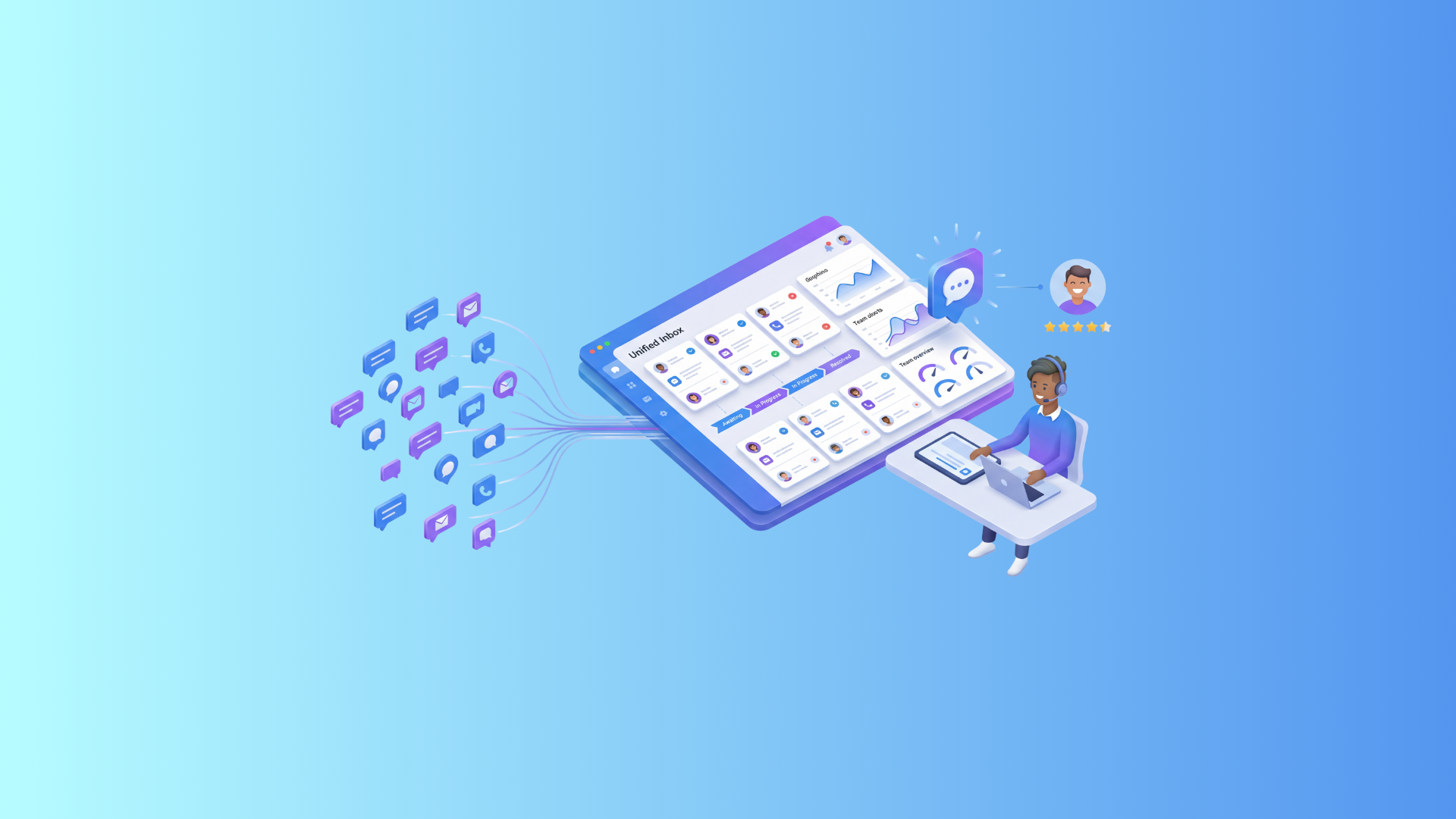
To avoid poor service, implement an omnichannel customer support platform. Choose a system that brings all channels into one interface, keeps a full history of interactions, and provides real-time analytics.
Let’s look at a common situation: a customer calls for the third time with the same issue. Each time, they receive a different answer. By evening, they leave an angry review on Google — and your rating starts dropping. Sound familiar? This is exactly what a business looks like without a proper customer support system.
In this article, we’ll cover how to identify service issues before they turn into a real problem, what to consider when choosing a customer support solution, which metrics and tools help manage customer inquiries effectively, and how the needs of banks, insurance companies, and logistics providers differ.
10 Signs of Poor Customer Service
Before implementing a new support system, it’s important to honestly assess your current service and identify weak points before they become serious problems. Here are ten signals that something is going wrong:
- Response time exceeds 3 minutes. Customers are not willing to wait. If your average response time is longer, churn is inevitable. A system should automatically distribute requests and show queue status in real time.
- Agents lack access to interaction history. Customers have to repeat themselves every time — more frustrating than the issue itself. You need a unified customer profile with full interaction history.
- No single channel for all inquiries. Email, chat, and phone are all separate, with no unified view. A system should combine all channels into one interface.
- Duplicate requests. The same ticket is handled by multiple agents or lost between them. A system should show ownership and prevent parallel handling.
- No SLA or deadlines. No one knows when an issue should be resolved. A system should define response times and send reminders automatically.
- Inconsistent answers from agents. Without a shared knowledge base, agents respond differently, reducing trust. A system should provide verified answers during conversations.
- Low First Contact Resolution (FCR). If more than 30% of cases require повторний контакт, this indicates a system issue. Agents need full context to resolve issues immediately.
- No visibility for managers. Decisions are made based on intuition, not data. A system should provide real-time dashboards.
- No reminders or escalations. Overdue tickets are missed or noticed too late. A system should escalate unresolved issues automatically.
- No confirmation of request receipt. “Did you receive my message?” is a clear sign of chaos. A system should send automatic confirmations with ticket numbers.
If you recognize even 3–4 of these points, it’s time to act — not panic. These issues are fixable with the right tools.
Why a Customer Support System Is Critical for Business
Some leaders still see support as a cost rather than an investment. But the reality is simple: a customer who receives quality support returns. One who is ignored leaves — and tells others.
An effective customer support system delivers:
- Reduced customer churn
- Lower team workload through automation
- Reputation protection via transparent communication
- Data for decision-making
- Scalable growth without proportional hiring
A support system is the infrastructure of trust between your business and your customers.
How to Choose a Customer Support Solution: Checklist
With so many options on the market, here’s a practical checklist:
Core requirements:
- Omnichannel support (email, chat, phone, social media in one interface)
- Unified customer database with full interaction history
- Prioritization and SLA management
- Automatic assignment and escalation
- Knowledge base for agents and self-service
Technical criteria:
- Open API for CRM, ERP, and other integrations
- Cloud or on-premise deployment
- Mobile app for agents
- No heavy техническая поддержка required
Analytics & reporting:
- Real-time dashboards
- Reports by agents, channels, and request types
- Built-in CSAT/NPS surveys
Commercial terms:
- Transparent pricing
- Free trial or demo
- Vendor onboarding and support
- SLA for system uptime (99.9%+)
Customer Inquiry Management: Tools and Metrics
Proper customer inquiry tracking is the foundation of any service operation. Without it, you can’t manage workload, monitor quality, or make strategic decisions.
What should be tracked in the system:
- Date and time of the request
- Channel (phone, email, chat, social media)
- Request category and subcategory
- Priority and resolution deadline (SLA)
- Assigned agent and response time
- Status and full interaction history
- Outcome and customer rating
Key service quality metrics:
- FCR (First Contact Resolution): % of issues resolved on first contact. Benchmark: >70%
- AHT (Average Handling Time): average time to handle a request
- CSAT (Customer Satisfaction Score): satisfaction after ticket closure
- NPS (Net Promoter Score): likelihood to recommend your company
- SLA Compliance: % of requests resolved within defined timeframes
- Backlog: number of unresolved or overdue tickets
Tools for managing inquiries:
- Help Desk systems — classic ticketing, SLA, and knowledge base
- CRM with support module — if your customer base is already in CRM
- Omnichannel platforms — for high-volume contact centers like NovaTalks
Important: even the best system won’t work without team discipline. If agents don’t update data, the system loses value.
How a System Prevents Common Service Mistakes
Most service issues aren’t caused by people — they’re caused by broken processes. The right system eliminates these root causes.
- Lost requests → every interaction is automatically registered as a ticket
- Slow responses → SLA rules, reminders, and automatic escalations
- Inconsistent answers → shared knowledge base
- Duplicate work → clear ownership of each ticket
- No context → full interaction history in one profile
- Manual reporting → real-time dashboards
- Uneven workload → automatic distribution based on workload or skills
A strong system turns chaos into a process. It doesn’t replace people — it makes them more effective.
Comparing Solutions: Banking, Insurance, Logistics
Different industries have very different requirements for customer support.
What works perfectly for insurance may not fit logistics at all.
- Banking:
Focus on speed, security (PCI DSS, GDPR), omnichannel communication, and deep integrations - Insurance:
Complex, often stressful cases — requires detailed tracking, classification, and document handling - Logistics:
Speed and transparency — automated updates, tracking, and handling large volumes of requests
The key principle is simple:
your system should fit your business processes — not the other way around.
| Criteria | Banking | Insurance | Logistics |
|---|---|---|---|
| Omnichannel | Critical (chat, phone, app) | Important (email, portal) | Important (automated messages, tracking) |
| SLA | < 1 minute | < 24 hours | < 4 hours |
| Data Security | Maximum (PCI DSS) | High (GDPR) | Medium |
| Key Metric | FCR, CSAT | Claim resolution time | Delivery status, NPS |
| Automation | AI chat, IVR | Policy auto-classification | Auto-notifications, bots |
| Integrations | CRM, internal banking systems | Insurance systems, ERP | TMS, WMS |
| Recommended Solution | NovaTalks | NovaTalks | NovaTalks |
Banks and Financial Institutions
For the banking sector, a customer support system is primarily about regulatory compliance.
Key priorities include:
— instant response times (especially for calls)
— strict personal data protection (PCI DSS, GDPR)
— omnichannel communication with a unified customer profile
— integration with CRM and internal banking systems
NovaTalks meets all these requirements within a single platform.
Insurance Companies
Insurance is a field of complex and often stressful interactions (claims, incidents).
Critical requirements include:
— structured customer inquiry tracking with full documentation
— automatic classification by policy or claim type
— real-time tracking of claim status
— ability to attach documents and images to tickets
NovaTalks supports these scenarios with flexible customization for industry-specific needs.
Logistics and Delivery
In logistics, the most common question is: “Where is my shipment?”
That’s why a customer support system must ensure:
— fast and transparent communication
— automated status updates
— efficient handling of high volumes during peak periods
— seamless switching between communication channels
NovaTalks addresses these needs with omnichannel capabilities, chatbots, and mass messaging.
Regardless of industry, one rule applies:
your system should solve your specific business needs — not overwhelm you with features you’ll never use.
NovaTalks — Customer Support System for Modern Business
NovaTalks is an omnichannel solution where all communication channels are unified in one interface. No request is lost, and no customer is left unanswered.
Communication Channels in NovaTalks
The platform brings together four key communication channels:
- Messengers — preferred by 80% of customers for fast and convenient support
- Calls — essential for urgent and complex issues
- Live chat — real-time communication directly on your website
- Email — for formal requests, documents, and detailed communication
If a customer prefers another channel, the agent can switch to a call or email in just one click — without leaving the interface.
Automation & AI Tools
NovaTalks is a full-scale customer support automation platform. Key capabilities include:
- Chatbots for every channel: with a no-code builder, you can create multilingual bots that work 24/7 and seamlessly hand over conversations to live agents when needed
- AI assistant for agents: corrects mistakes, translates into any language, adjusts tone, and summarizes conversations in real time
- Automated quality control: AI analyzes 100% of conversations (vs. up to 5% manually), evaluating customer sentiment, script compliance, and overall performance
- Personalized mass messaging: audience segmentation by tags and attributes, with automated triggers for promotions, reminders, and updates via messengers and social media
Customer Inquiry Management & Analytics
NovaTalks provides comprehensive customer inquiry tracking with BI and text analytics.
NovaTalks Insights automatically extracts key insights from large volumes of conversations without manual analysis. Managers get a clear view of contact center performance, agent productivity, and CSAT metrics through real-time dashboards.
Benefits of NovaTalks for Business
- Mobile app — manage communications from anywhere
- Dedicated account manager — continuous support
- Custom development — tailored to your business needs
- Scalable solution — suitable for teams of any size
- Advanced telephony — IVR, call recording, and callback handling
NovaTalks transforms customer support from a cost center into a revenue driver. Automation reduces costs, while personalized communication increases loyalty and sales.
FAQ
What is a customer support system and why do you need it?
A customer support system is a software solution that centralizes all customer interactions (calls, email, chats, messengers) into one interface, automates processing, and enables quality control. It’s essential for any business handling regular customer inquiries.
How to set up customer inquiry tracking from scratch?
Start with three steps:
- Choose a platform that automatically logs every interaction as a ticket
- Set up categories and priorities based on your business needs
- Define SLA response times for each type of request
You’ll typically see results within 2–4 weeks after implementation.
Which metrics matter most for customer service quality?
The top 3 metrics are:
- FCR (First Contact Resolution)
- CSAT (Customer Satisfaction Score)
- SLA Compliance
These reflect the real quality of service, not just team activity.
Can customer support be automated without losing quality?
Yes — if implemented correctly. NovaTalks chatbots handle routine requests 24/7, while complex cases are transferred to human agents. The AI assistant helps agents respond faster and more accurately, improving quality while reducing workload.
Conclusion
Poor customer support is not about people — it’s about the lack of proper processes and tools.
A strong support system allows teams to stop firefighting and start building consistent, high-quality service.
Start with an audit: identify your current pain points. Then choose the right tool, implement structured inquiry tracking, and monitor key metrics. Step by step, your NPS will grow — and customer churn will decrease.
Great service starts with the right system. Choose a solution that grows with your business — and your customers will notice.