The sales department makes 200 calls a day, but only 40 turn into real conversations. The rest are dial tones, unavailable numbers, and busy lines. Operators get tired, motivation drops, and results do not grow. And the real issue is the tool.
NovaTalks Outbound Dialer solves exactly this problem: the system takes over the entire technical part of outbound calling, while operators work only with people who have already answered the phone.
Where contact center efficiency is lost
Before talking about the solution, it is worth naming the problems directly.
- Operators wait instead of talking. Manual dialing and dial tones can consume up to half of an agent’s working time. A person who could hold 30 conversations per shift ends up holding only 10.
- The database is large, but the contact rate is low. If only 20 out of 100 calls are answered, the remaining 80 attempts simply disappear. Without repeat-contact logic, these customers remain unprocessed forever.
- No answer means a lost customer. The client did not pick up the phone. What happens next? In most contact centers — nothing. There is no automatic continuation of communication through another channel.
- Routine that can be automated. Debt reminders, order confirmations, and delivery notifications are tasks that do not require a live operator, but still take up their time every day.
How NovaTalks Outbound Dialer works
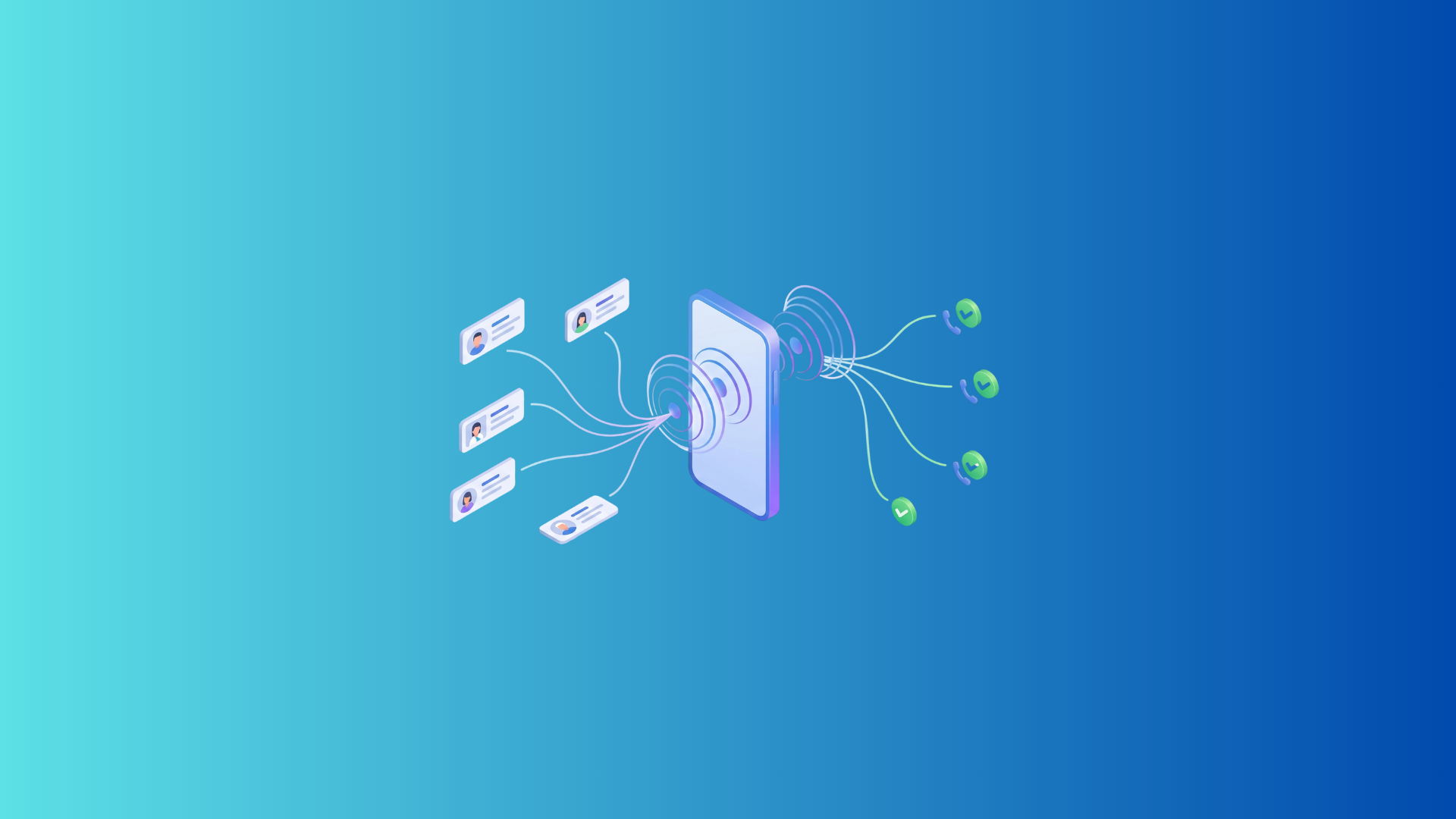
NovaTalks Dialer is a tool for mass outbound communications that combines voice calls and messengers into unified scenarios for processing a customer database.
For voice campaigns, there are two modes:
- Progressive — the system automatically dials numbers, and as soon as the client answers, the call is transferred to an available operator. The agent joins an already live conversation. If the contact rate of the database is low, the system can initiate several calls per agent in parallel and keep the team steadily loaded.
- Agentless IVR — a fully automated outbound call without operator involvement. After the connection, the client hears a personalized voice message: their name, debt amount, date, order details — everything is inserted individually. If an operator is needed, the client presses a button and gets a live connection directly from the IVR.
A detailed description of settings, campaign parameters, and retry logic is available in our article about Outbound Dialer.
Real scenarios: how it works in business
Collection in the financial sector
IVR automatically announces: “Your debt is 500 UAH, due by the 20th.” Thousands of contacts are processed in minutes, without a large team of operators. The client can immediately press a button and connect with an agent for clarification.
Effective sales
The operator receives the call 1–2 seconds after the client says “Hello.” No waiting, no dial tones — just a live conversation right away. The number of live contacts per agent grows 2–3 times compared to manual dialing.
Cross-channel effect
After a short call or a successful conversation, the system automatically sends the offer details to a messenger. The client received the information by voice — and immediately has it in writing. The probability of a response is significantly higher than after a call alone.
Logistics and service
Courier arrival notifications, service appointment reminders, and order confirmations all happen automatically. No operator is needed, and the client receives the information on time.
Who this tool is suitable for
The dialer is designed for companies with databases of 1,000+ contacts. For smaller databases, manual dialing will be more effective.
- Financial institutions and MFIs — collection campaigns and automatic payment reminders without expanding the team.
- E-commerce and Retail — mass notifications about promotions and order confirmations via IVR, with the option to connect to an operator.
- Logistics and service — automatic notifications and service appointment scheduling.
- Outsourced contact centers — cold and warm calling of large databases for outbound sales without increasing staffing costs.
Why not Ringostat or Binotel
| Feature | Ringostat | Binotel | NovaTalks Dialer |
|---|---|---|---|
| Database upload | Excel file | — | CSV + selection from the system |
| Callback logic | Not available | Not available | Attempt Control |
| IVR voice announcement | Not available | Not available | Available, with personalization |
| Cross-channel communication | Not available | Not available | Telegram, Viber, Email |
| Mass campaigns | Basic outbound calling | Module not available | Full toolkit |
Ringostat allows you to upload an Excel file and run a basic outbound calling campaign. But there is no retry logic, no IVR voice announcement, and no cross-channel communication. Binotel does not have a full-fledged Outbound module at all.
Myths about automatic outbound calling
- “Customers will complain about spam.”
The system allows you to configure flexible attempt limits and working schedules. Calls are made only at a convenient time and no more often than allowed. - “Operators will not keep up.”
You set the number of lines per agent yourself, for example 1 to 1. The workload is fully under your control. - “It is too difficult to configure.”
NovaTalks helps with the first launch and trains the team. There is nothing complicated in the settings.
FAQ
What is an Outbound Dialer?
An Outbound Dialer is an automatic outbound calling system. It initiates calls from a contact list on its own and transfers only live connections to the operator — after the client has answered.
How is Progressive different from Agentless?
In Progressive mode, a live operator handles the conversation after the connection. In Agentless mode, the client hears an automated personalized message — no operator is needed.
Can calls and messengers be combined in one campaign?
Yes. If the call does not go through, the system automatically continues communication via Telegram, Viber, or email.
What database size is the dialer suitable for?
From 1,000+ contacts. For smaller databases, manual dialing will be more effective.
Is it difficult to configure the system?
NovaTalks helps with the first launch and provides training. Most parameters are configured through the interface without developer involvement.
Where can I read more about technical settings?
A detailed description of all parameters, Attempt Control, contact lists, and analytics is available in our technical article about NovaTalks Outbound Dialer.